
- Published on
Minekube: a control plane for Minecraft communities
- Authors

- Name
- Robin Brämer
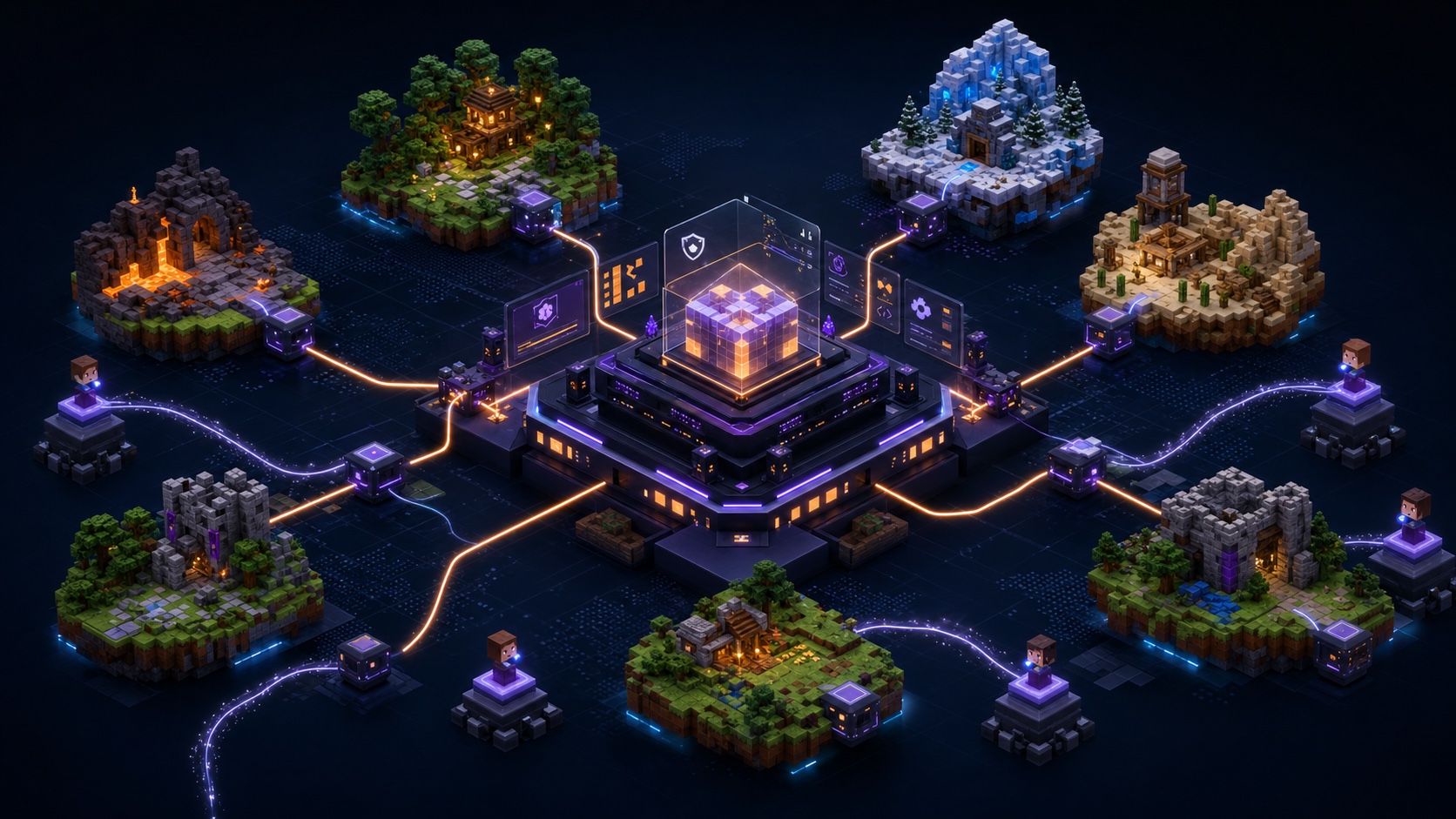
Minekube Connect is becoming a control plane for Minecraft servers: ingress, domains, endpoint state, support, discovery, APIs, agents, and safe automation.
Running a Minecraft network now means more than keeping a proxy online. Server owners manage public addresses, custom domains, Bedrock access, uptime expectations, Discord support, analytics, security concerns, discovery, voting, and a growing set of tools around the community.
Minekube Connect started with a simple job: make Minecraft servers reachable through a managed public ingress path. Now we are building toward a broader control plane for Minecraft communities.
A control plane is one place where server owners can connect infrastructure, understand what is happening, publish trusted public endpoints, get help, and automate community operations. It should work for the technical teams that already automate everything, while staying understandable for newer server owners who just want their community to join reliably.
This is the theme behind the next phase of Minekube: connect your server, see what is happening, get help when something breaks, and grow into more powerful tools when your community needs them.
Connect is the foundation
Connect already gives Minecraft servers a stable public entry point without port forwarding or exposing a home IP address. A connector maintains an outbound watch session to the Minekube network and opens outbound tunnels back to the edge for player sessions.
That shape gives server owners useful guarantees:
- an endpoint name is authenticated by its endpoint token,
- it has a public
<endpoint>.play.minekube.netaddress, - it can have custom domains after dashboard verification,
- Connect can show active endpoint sessions and reachability state,
- the backend can stay behind the Minekube edge network,
- and importing the endpoint into the Connect Dashboard lets the owner manage it and reset the token instead of relying only on a local token file.
Recent work keeps expanding that foundation. Managed Bedrock support lets Bedrock players join Connect-routed endpoints through the same endpoint names, play.minekube.net subdomains, and attached custom domains Java players use. Connect handles Bedrock translation at the edge before traffic reaches the connector. Compatibility docs now explain which proxy, plugin, Bedrock, forwarding, and auth-related setups work today, including that AuthSession/passthrough is not available for Connect -> Gate Lite -> online-mode backend today.
The core Connect path stays free: a persistent public entry point for local servers, proxies, and networks.
That is the base layer of the control plane: a real product surface around an endpoint, not just a tunnel.
The first live loop is support
The most visible control-plane workflow is already running: support.
Minekube's first-level AI support agent now handles the first pass in Discord. It answers common setup questions, points people to compatibility docs, asks for missing context, finds similar cases, and helps narrow down whether an issue is likely in Connect ingress, the connector, proxy forwarding, backend auth, DNS, or Bedrock translation.
That matters because support is not only a place where we answer questions faster. It shows where docs are weak, where setup is too fragile, where dashboard state is missing, and where engineering needs a better diagnostic signal.
We wrote more about that loop, the public-safe aggregate stats, and concrete resolved-case patterns in How Minekube AI support closes the feedback loop.
Discovery, APIs, and agents come next
Once endpoints are authenticated, imported into an organization, and visible to the product, Minekube can do more than route traffic.
Connect Browser can become a trusted discovery surface around endpoints server owners actually control. Voting can fit the existing Minecraft ecosystem instead of forcing every server owner into a new reward stack. Product APIs can expose organization, endpoint, domain, status, usage, and support context to dashboards, tools, plugins, services, and approved automation.
The most exciting version of that direction is in-game. Over time, a server owner should be able to chat with an AI admin that can explain, diagnose, prepare safe changes, and act only through scoped product permissions and the Connect Plugin connection the owner chose to install.
We wrote the deeper roadmap for Browser discovery, voting, APIs, MCP, and in-game agents in What comes next for Connect Browser, APIs, and in-game agents.
Built for technical teams, understandable by everyone
Minekube's community is unusually technical. Many server owners understand proxies, routing, Docker, Kubernetes, authentication plugins, protocol forwarding, and the messy details of Minecraft networking.
We want to keep building for those people.
But broader adoption requires simpler mental models:
- "Install one connector."
- "Your endpoint gets a public address."
- "Add a custom domain when you are ready."
- "See whether your server is reachable."
- "Ask for help where Minekube support already has product context."
- "Grow into Browser, APIs, and automation when your team needs them."
- "Chat in-game with an AI admin for safe diagnostics and approved actions."
The control-plane idea gives advanced networks and new server owners the same language. A small server can start with a public endpoint. A larger network can grow into domains, Browser discovery, voting, APIs, support context, and safe automation without leaving the product surface.
Where this is going
We will keep the public roadmap high-level until each piece is useful enough to try. The direction is clear:
- make Connect setup and compatibility easier to understand,
- improve endpoint and connector status as one reliable source of truth,
- keep first-level Minekube AI support in Discord connected to docs, dashboard signals, and human escalation,
- turn repeated support patterns into better docs, dashboard signals, and engineering fixes,
- evolve Connect Browser discovery around trusted Connect endpoints,
- explore voting and Votifier-compatible reward delivery for existing server ecosystems,
- expand APIs for dashboards, tools, plugins, services, agents, and approved automation,
- build a safe Connect Plugin bridge for in-game AI admin workflows,
- and keep the core Connect path stable, reliable, and free.
Connect setup, Bedrock support, compatibility docs, endpoint status, custom domains, Browser Hub, and the stable Minekube AI support agent in Discord are visible today. Browser voting, richer product APIs, in-game AI admin workflows, deeper automation, and other operational controls will follow when they are useful enough for server owners to test safely.
This post is not a finish line. It is us naming the pattern that is already emerging: Connect is becoming the place where Minecraft communities connect, understand, get help, and grow.
Join the direction
If you run a Minecraft server, proxy, or network, we want to hear how you operate it.
What is hard to explain to new admins? What do you automate yourself? Where do players get stuck? Which voting, listing, domain, auth, Bedrock, support, or in-game admin workflows waste time today?
Join the Minekube Discord, try Minekube Connect, ask for help when something is unclear, and tell us what a Minecraft control plane should solve for your community.
Thank you to everyone already building on Minekube. Your servers, support threads, bug reports, and feature requests are shaping what this becomes.